
Book a demo

Mobile App Version 2.5.4 Public Release

Kaili Wardlaw
Sep 06, 2022
2 Min Read
Introducing Quick Actions
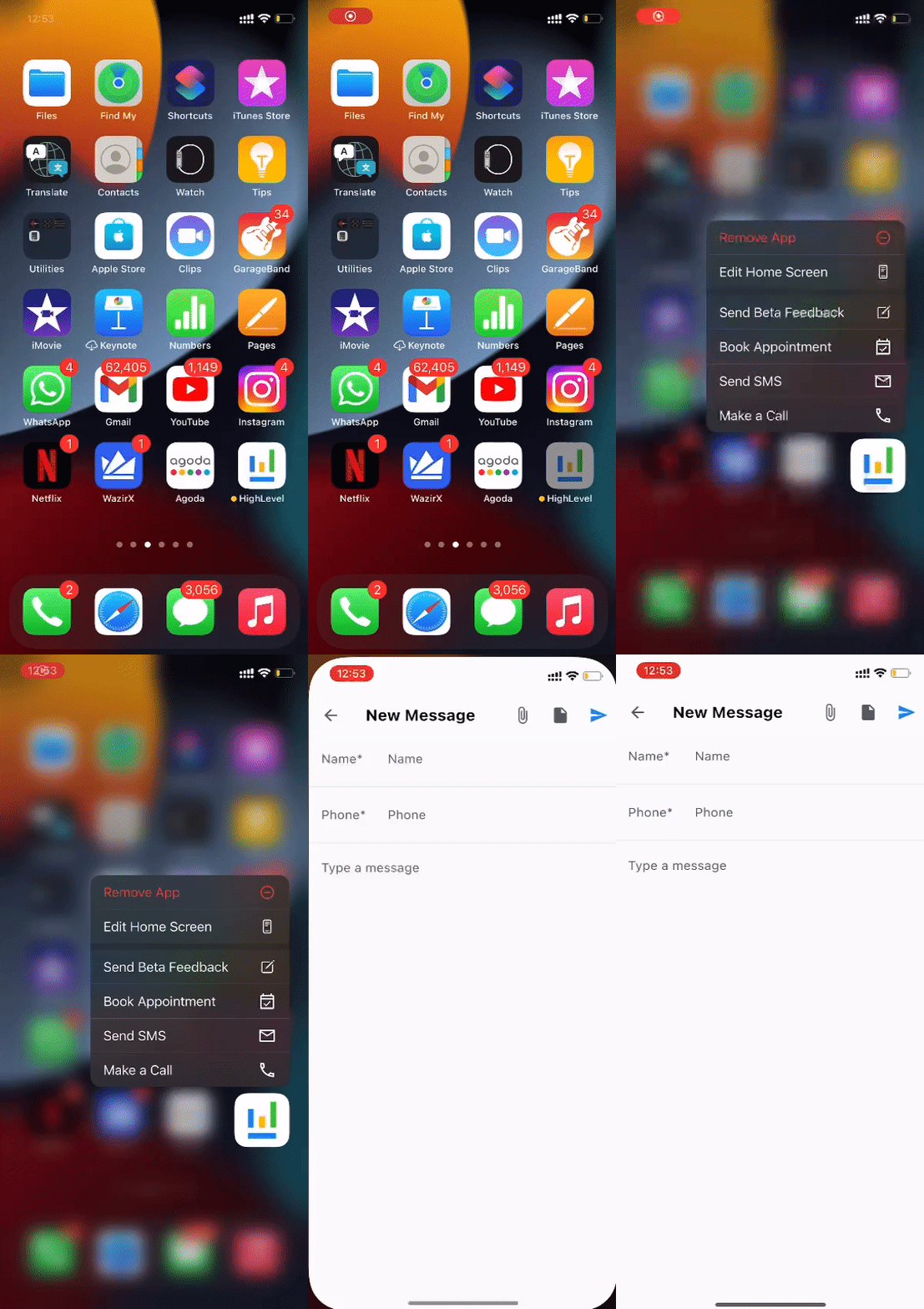
Quick Action will allow user to easily perform most frequent actions on the mobile app by long pressing the app icon and using the quick actions fab on any of the screens.
Long press the app icon to perform the following quick actions:
- Book Appointment
- Send SMS
- Make a call
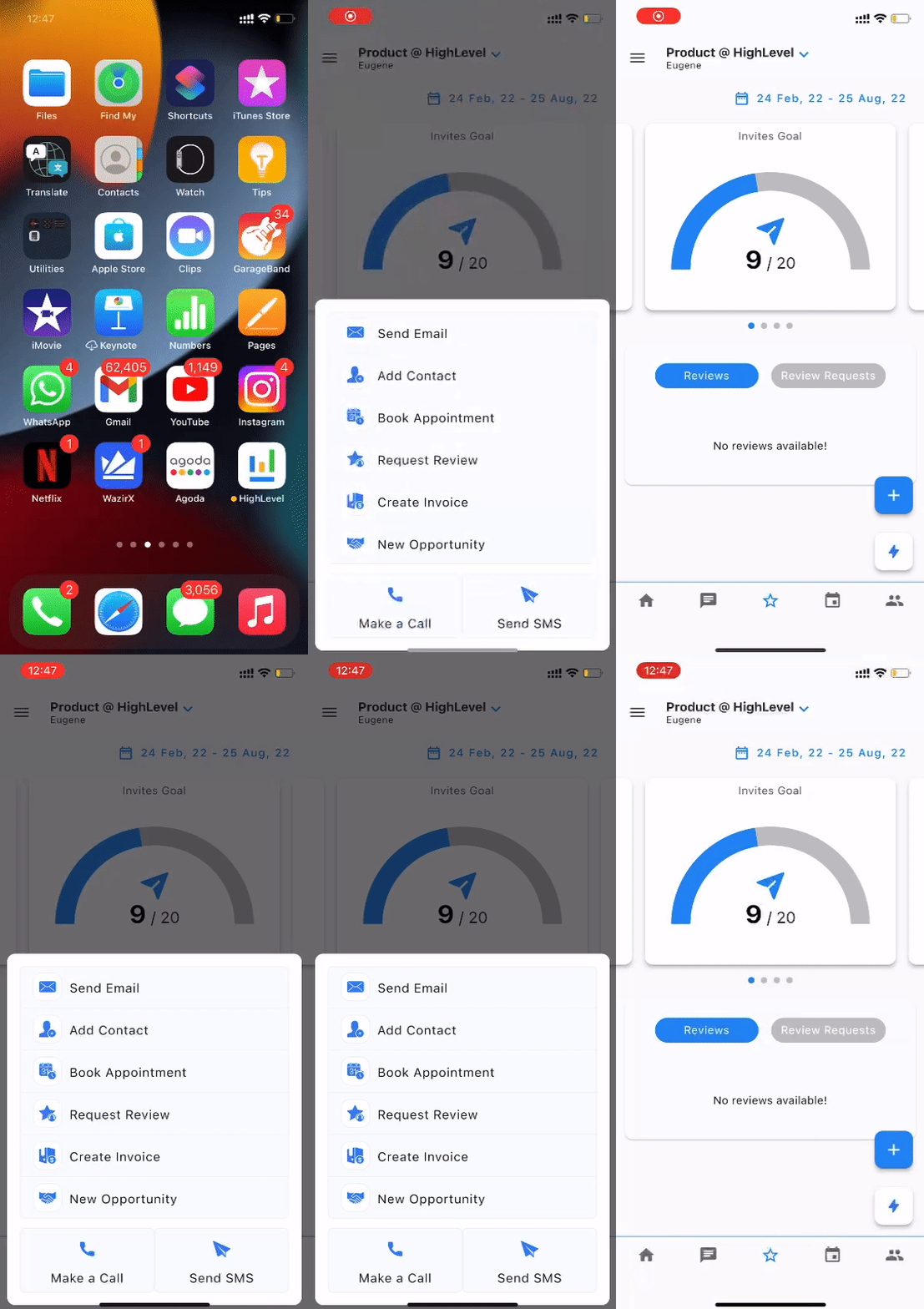
Once inside the app use the Quick Actions FAB to perform the following:
- Send Email
- Add Contact
- Book Appointment
- Request Review
- Create Invoice
- New Opportunity
- Make a call
- Send SMS
Other Enhancements
Recent Activity Enhancements – New Contact Picker Allow you to Create a contact and send a review request quickly
Bug Fixes
In our continued effort to make HighLevel mobile App the most reliable productivity platform, we eliminated a number of key bugs in the platform with this release 🚫 🦠
[Fixed] Android 12 Bluetooth headset switching
[Fixed] Supported custom SMS and custom email message types
[Fixed] Call recordings are not getting played.
[Fixed] Users of different company than the current location company are kept hidden.
[Fixed] Conversation messages not getting loaded in some scenarios
[Fixed] ‘Add Files’ button not visible when long custom field name
[Fixed] Request payment showing the wrong currency
[Fixed]Removed link to the HighLevel specific help article about setting up stripe
[Improvements] Conversations related improvements
[Fixed] Unable to change the smartlists, and unable to know which smartlist is active.
[Fixed] Chosen outbound number gets reset, when reopening the call dialer screen.
[Fixed] Removed email from the business details invoicing
[Fixed}Handling Instagram GMB notification redirection
[Fixed] [Contact] DND not showing correct state in the contact details screen.
[Fixed]Opportunity Bug Fixes
[Fixed] Old calendar showing up in appointments, Select respective calendar in drop down on landing page
[Fixed] Manual actions campaign filter by workflow
When You’re Ready, Here’s How We Can Help:
Free Planner
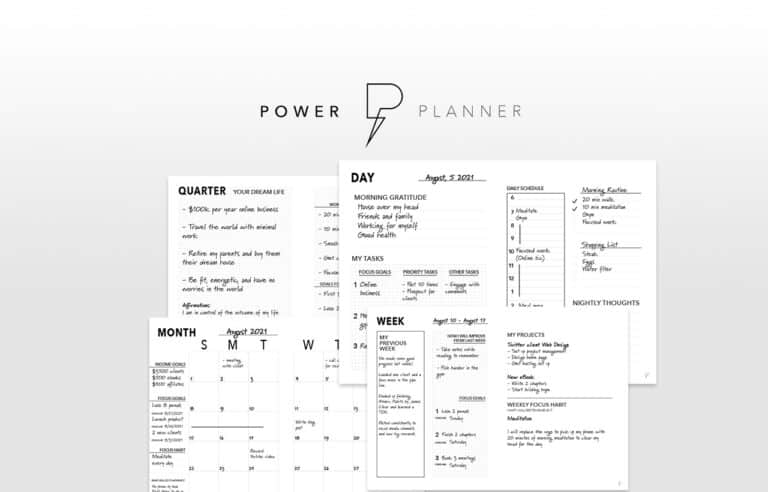
Goals are important. If you want help reverse engineering your vision into bite-size goals and tasks — download The Power Planner for free.
Download Now
Free Challenge
Learn faster, train your creative muscle, and craft genius level ideas for your content, business, and life direction.
Join The Challenge
The 2 Hour Writer
Implement Our 2 Hour Content Ecosystem To Learn High Impact Digital Writing, Boost Your Online Authority, & Systemize Content Creation For Rapid Growth
Enroll in 2HW
Get started with WP-Propulsion
See how WP-Propulsion can help you with your needs.